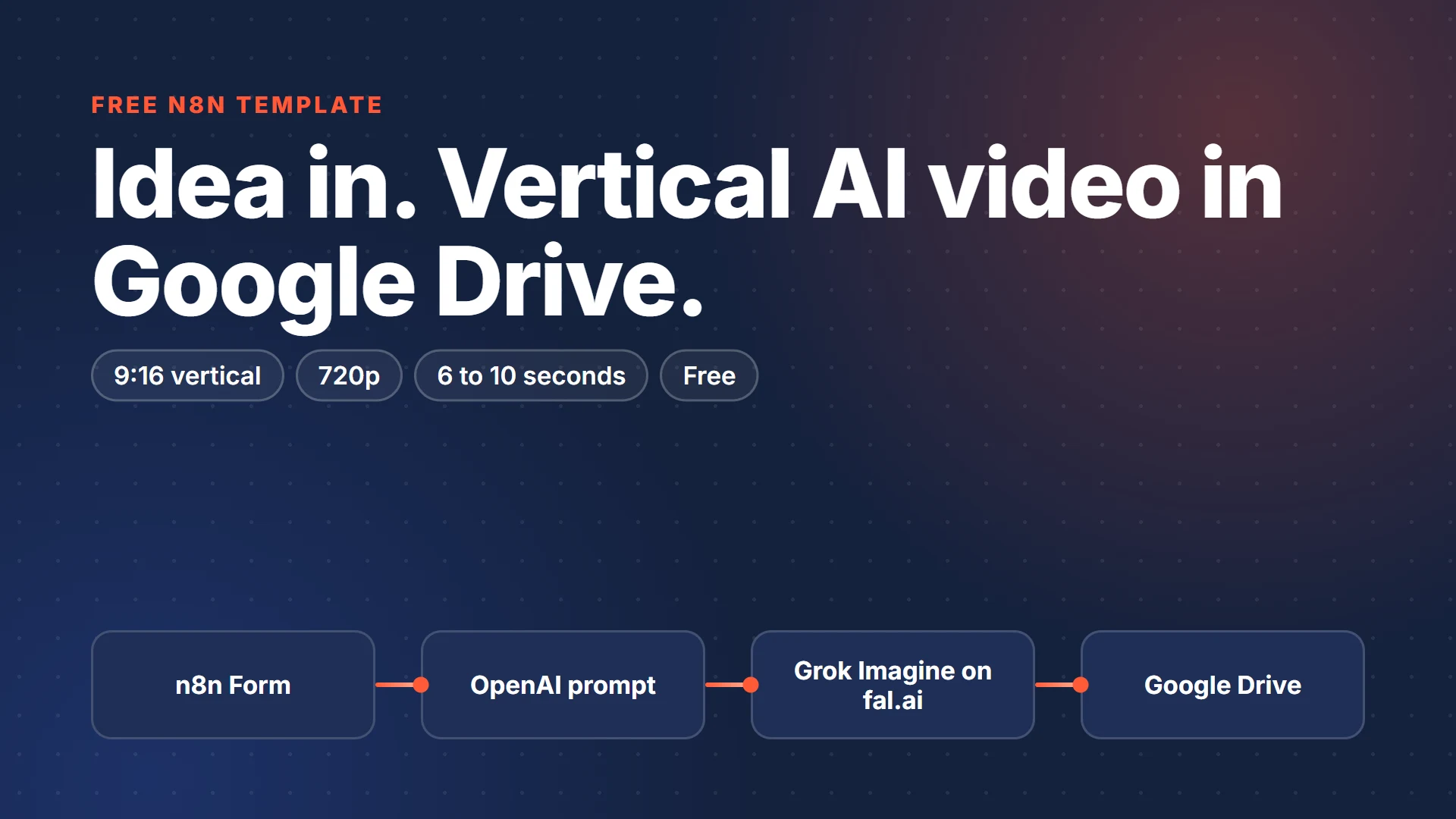
My first workflow template is live in the official n8n library: Generate vertical AI videos with OpenAI, Grok Imagine, fal.ai and Google Drive. It's free, and it does one job. You type a video idea into a form, and a few minutes later a vertical MP4 is sitting in your Google Drive, ready for Reels, TikTok or Shorts.
What the workflow does
- A simple n8n form asks for your idea, a style (Cinematic, Documentary, Animated or Product ad) and a length of 6, 8 or 10 seconds.
- OpenAI rewrites your idea into one detailed 9:16 video prompt and a clean file name.
- The prompt goes to xAI's Grok Imagine video model on fal.ai, rendered at 720p.
- The workflow checks on the render every 20 seconds. If the video still isn't done after 45 checks (15 minutes), it stops with a clear error so nothing hangs forever.
- When the video is ready, it downloads the MP4 and saves it to the Google Drive folder you picked.
The form tells you the video is on its way, so you can close the tab and check Drive later.
What you need
- n8n, on n8n Cloud or self-hosted
- An OpenAI API key, which writes the prompt
- A fal.ai account and API key, which makes the video
- A Google account with Drive
OpenAI and fal.ai both bill for what you use, and the video is where nearly all the cost is. Check the current price on the Grok Imagine model page at fal.ai before you make a batch.
How to set it up
- Open the template on n8n and click Use for free to copy it into your n8n.
- In Write the video prompt, add your OpenAI credential.
- Create an API key at fal.ai. In n8n, add a Header Auth credential with the name
Authorizationand the valueKey YOUR_FAL_KEY, then select it in the fal.ai request nodes. - In Save to Google Drive, connect your Google account and choose the drive and folder.
- Publish the workflow and open the form's production URL.
If something goes wrong
- fal.ai answers "Authentication is required": the Header Auth value is missing the
Keyprefix. - The run ends at Stop: video took too long: the render didn't finish within 45 checks. Raise
max_checksin Settings, or pick a shorter length. - The Google Drive step fails: the Google account you connected in n8n needs edit access to the folder you chose.
- The OpenAI step fails: make sure the model selected in Write the video prompt is available on your OpenAI account.
Changing it
The Settings node holds everything you'd want to tweak: the video model, resolution, aspect ratio, default length, how often it checks on the render and how many times. To try another fal.ai text-to-video model, change video_model. Some models take different options, so read the model's page on fal.ai first.
You can edit the form too. Add your own choices to the Style dropdown, or change the message people see after they submit.
Want a video posted for you every day?
This free version makes one video each time you ask. My AI Short-Video Factory ($29) takes topics from a Google Sheet and posts a vertical AI video to TikTok, Instagram Reels and YouTube Shorts every day. It comes with a step-by-step setup guide and logs any failure in plain English. If you'd rather not touch n8n at all, I'll install it for you for $297.